It follows every line.
Pause and the words wait. Repeat yourself or skip half a sentence and the highlight finds your place again.
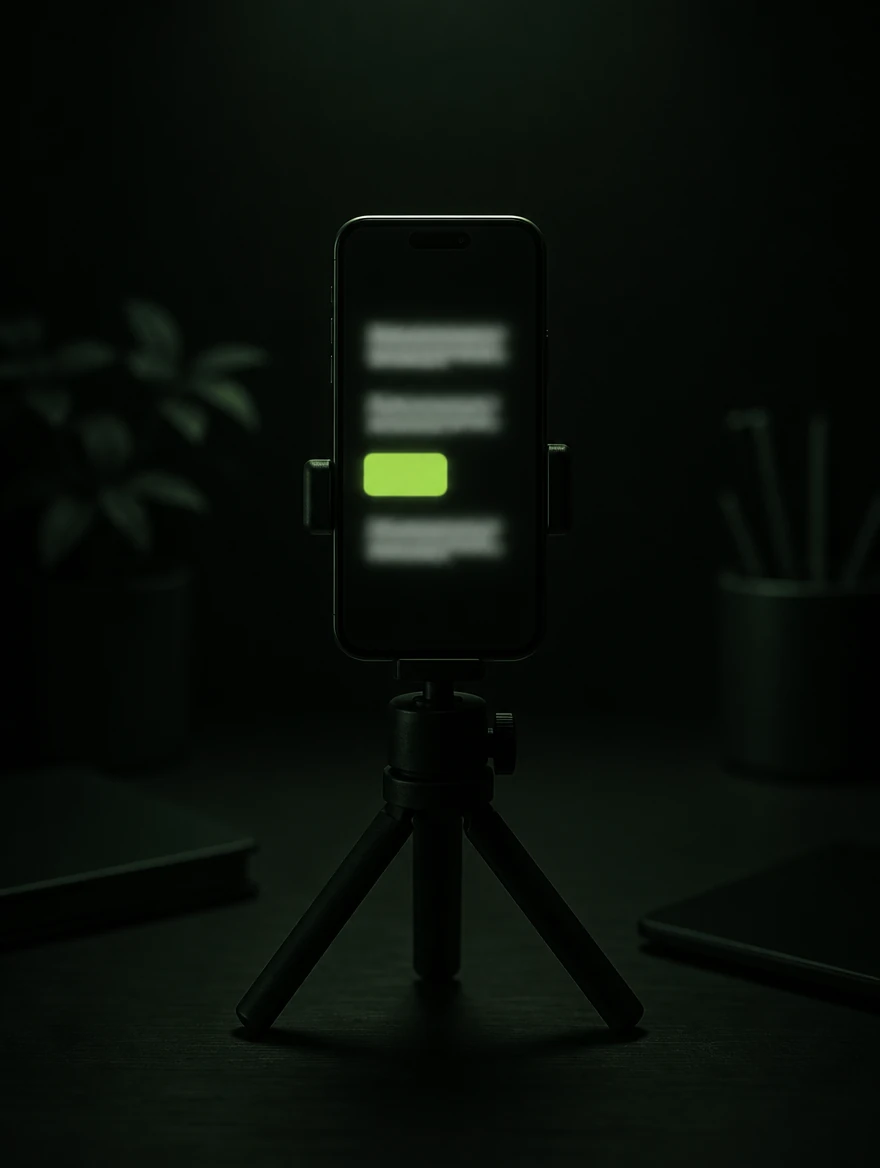
A teleprompter that follows your voice rather than a clock. Ad-lib, repeat a line, or lose your place — the words wait, and the highlight finds you again.
Microphone permission comes when you start a take.
Thinkabouteverythingyousaytoalens.Piecestocamera,salesdemos,coursemodules,aspeechyouhaverewrittenfourtimes,acontentdayofsixscriptsbacktoback.Whateveritis,itiseasierwhenthewordsmoveatyour pace
Follow your voice for a natural take. Switch to sound or a steady pace when the language, room or browser calls for it.
Pause and the words wait. Repeat yourself or skip half a sentence and the highlight finds your place again.
The words advance while you speak without transcribing what you say. Useful when you are paraphrasing or voice recognition is unavailable.
Set a speed and let it roll. A simple fallback when you want a conventional prompter without the voice controls.
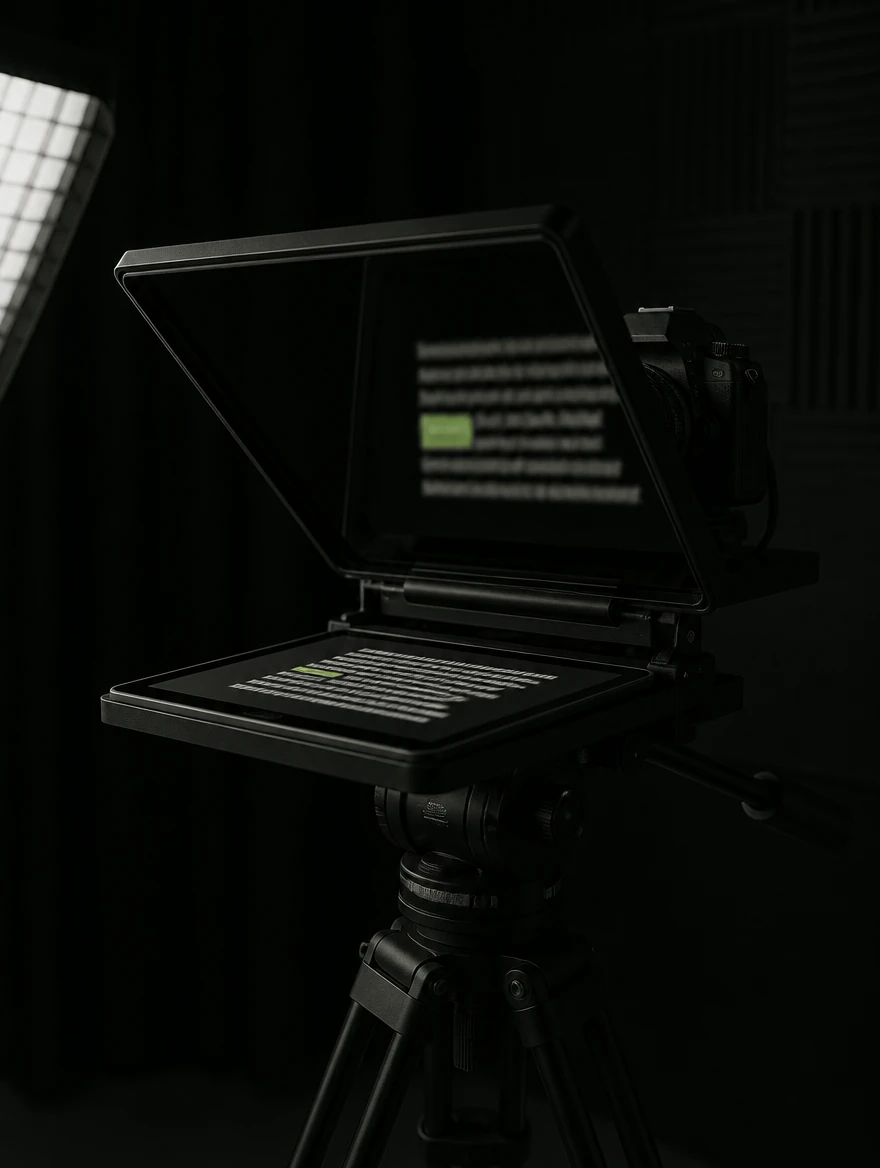
The words are the slow part. Talk them out, keep the phrases that matter, try two openings, and save the shape for next week.
Talk the idea through or paste your notes, mark the phrases that must stay word for word and the facts that must not drift, and the app splits the rest into short spoken beats. It moves your words about; it never writes new ones. Where your browser confirms that dictation stays on your computer, you can speak the rough version instead of typing it.
Keep the script in the editor and add only the first and last lines you want to try. Every combination is queued as its own take, so the day's list writes itself.
Name the format and swap the facts that change each episode for square-bracket prompts. Next week's script starts from it with its openings, endings and target length already in place.
Keep an audience question, a note or a link together with your angle and the takeaway, then start a script from it when you are ready. Links stay links; nothing fetches or summarises them for you.
On the free-first-session offer, complete your first session free and continue with Pro. Existing Free users and visitors on the earlier offer keep their ongoing Free access. Review and download your existing work. Supported local exports are included in the complete free first session; Pro also prepares marker files, captions and rough-cut timelines. Compare plans.
Fluff a line and you probably snap your fingers, clear your throat or click a clicker, then scrub the waveform afterwards hunting for the spike. Say “Telly, marker” instead and carry on. When the take saves, every marker is listed against its timecode — alongside the places you went back over yourself, paused for a long time, or skipped a run of words.
Share take details on Free with a 7-day link. Pro adds prepared export files and 90-day links, measured from creation or refresh. Recipients need no account. Script text and timings travel; send the recording separately.
Mark the take you are keeping, re-record the lines you want again as pickups, and the app can prepare an FCPXML or OTIO timeline using supported source timing and media. Supported local exports are included in the complete free first session and with Pro. It is a timeline file, not a rendered video. Check the app's format guidance; named-editor import, sound and relinking remain unverified.
Select several scripts and read them straight through — a badge on the stage says which one you are on, big enough to read from behind the lens. Write your directions into the script in square brackets, like [B-ROLL: street exterior] or [PRONOUNCE: SaaS = sass], and the prompter steps over them instead of reading them out. The shot cues come back out as a shot list.
All thirty-four are detected from the script you paste, and any of them can still be chosen by hand. Right-to-left scripts are supported, and text direction stays under your control.
Rehearse the script once, and that read plays into your earpiece while you deliver — pausing when you pause, catching up when you skip. Three jobs make a script on screen impossible. This is the answer to all three.
Actors train for years to use an ear prompter, because the tape never waits. This one waits for you.
The rear camera is the sharper one, and it is the one with no screen on your side of it. With your own read in your ear there is nothing to look at, so which lens you point at yourself stops being a compromise.
A tutorial, a walkthrough, a product demo — the screen is the thing you are recording, so there is no room on it for a script. Keep TellyPrompter on a second screen or a phone beside you, and the words arrive in your ear rather than in the capture.
On a webinar or a client call, a prompter in front of you is a prompter in the share. With the read in your ear you do not need one in front of you, so the window you share is the one you meant to share.
Set text from 20 to 100px, choose OpenDyslexic or another reading face, and shorten each line with generous side margins. Your eyes travel less, so they stay closer to the lens.
Put the script above the camera or over a full-screen preview. Drag the seam until the framing feels right. Your browser saves MP4 where it supports it, and WebM elsewhere.
Taketwo,fromthetop•
Mirror the script for a beam-splitter rig, flip the other axis separately, or rotate the whole app for a phone locked to portrait.
Straight ahead
Recording with Loom, Descript or lecture capture instead of a camera in the room? Press Float and the live script moves into a small window that stays above other apps, following your voice as it does on the stage. It is an ordinary window, so a full-screen or application capture will show it. Chrome, Edge and Firefox 151 or later on a computer float the live stage; Safari floats a picture of it.
Rehearse the script once, then hear your own read through an earpiece while it waits for you. For the rear camera, the screen recording and the shared screen — the shots a prompter cannot be in. Headphones needed.
On the free-first-session offer, complete your first session free and continue with Pro. Existing Free users and visitors on the earlier offer keep their ongoing Free access. No account or card needed to start.
Open the app