Words beside the lens
Voice following works where your browser supports speech recognition. Where it doesn’t, Sound following and Steady scrolling keep the words moving.
See how teleprompting worksTeleprompter for content creators
You already know what you want to say. Keep the script in view while you record.
Start with your script for freeOn the free-first-session offer, complete your first session free and continue with Pro. Existing Free users and visitors on the earlier offer keep their ongoing Free access. No account or card needed to start; keep your original downloads.
Find your delivery ↓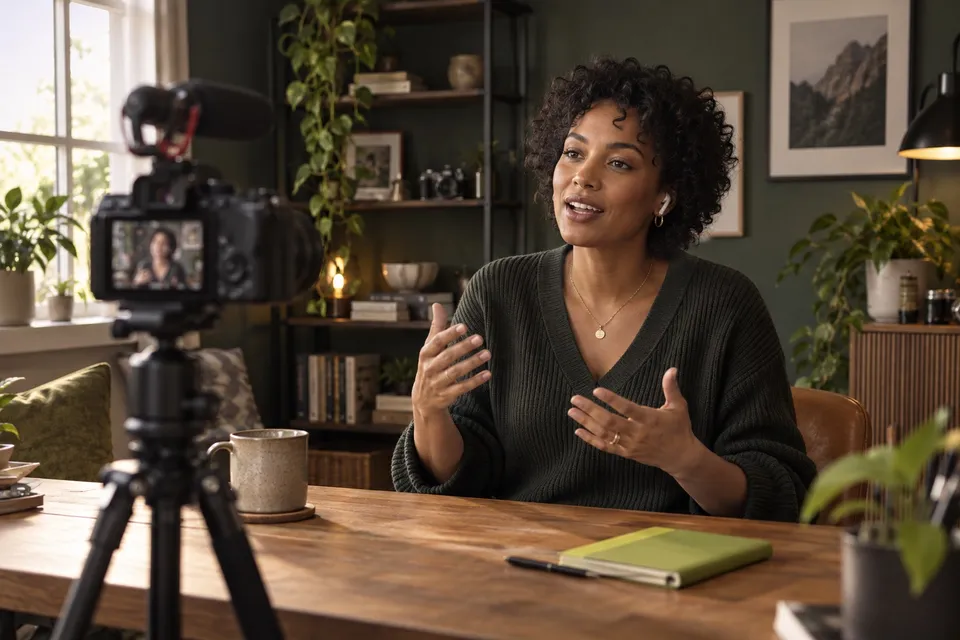

WHEN THE WORDING MATTERS
A name you must get right. An opening worth rehearsing. Keep the details in your script so you can pay attention to how you say them.
Follow the words on screen at your own pace. The delivery is still yours.
Listen back before choosing a take. Download the original recording for free.
Find your prompting setup →Voice following works where your browser supports speech recognition. Where it doesn’t, Sound following and Steady scrolling keep the words moving.
See how teleprompting worksSet a scrolling speed when speech recognition is unavailable or you want a conventional prompter.
Try telepromptingTalking-head videos: keep your point clear without memorising every line.
Short-form and UGC: try a different opening, then decide which take works.
Courses and tutorials: names and facts stay in the script. Record a pickup if a line needs another go.
START FREE
PRO
Yes. Start without an account or card. On the free-first-session offer, your first complete session includes prompting, recording, retakes, review and original downloads; Pro unlocks your next sessions. Existing Free users and visitors on the earlier offer keep their ongoing Free access. There is no timer or script-length limit within your free session, and recordings have no watermark. Browser support and microphone permission still apply.
No. Links carry take details and, on Pro, prepared export files. Send recordings separately. Free links last 7 days and Pro links 90 days from creation or refresh. Upgrading alone does not extend an existing link.
Yes. Paste or type it into Compose. Free accounts can also keep Google Docs linked and sync up to five scripts. No sample or personal export credit is required.
Start with a short passage and read it aloud. Rewrite any wording you would not normally say, and leave room to pause between thoughts. Rehearse with the words on screen, then record a take and listen back. Notice where you rush or sound like you are reading, adjust the script or your pace, and try again.
Open the app in a browser with microphone access. Voice-following needs supported speech recognition. Sound and Steady scrolling remain alternatives. Recording formats depend on your browser and device.
START WITH YOUR OWN SCRIPT
On the free-first-session offer, complete your first session free and continue with Pro. Existing Free users and visitors on the earlier offer keep their ongoing Free access. No account needed to start.